
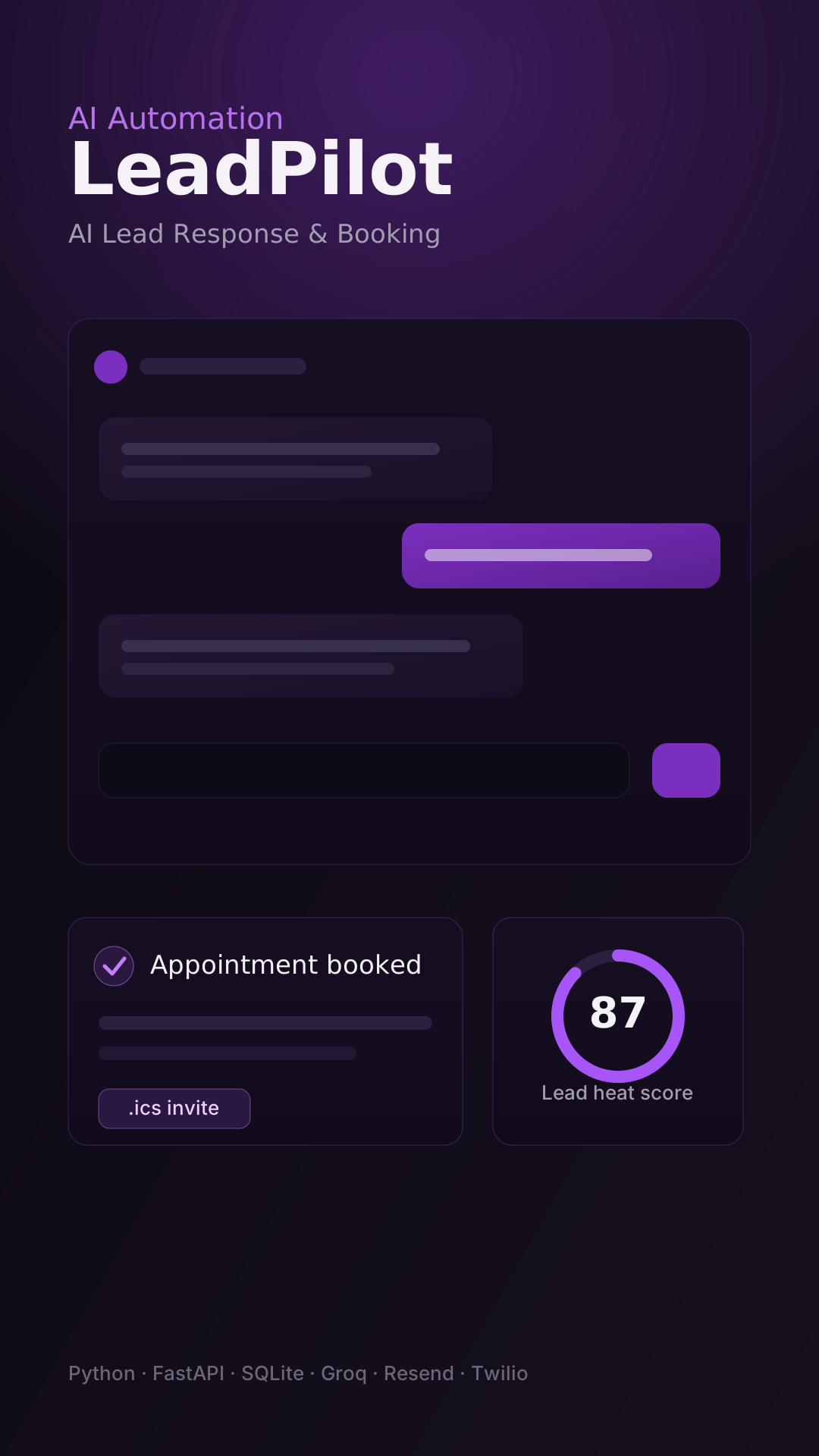
AI Automationinternal2026
LeadPilot — AI Lead Response & Booking
Engages inbound leads, qualifies prospects, books appointments, and automates follow-ups through a configurable chat widget and dashboard.
View project
Vesper is a voice-first personal AI assistant built around persistent memory, live web research, and real-world actions that require explicit user confirmation.
Combining local and cloud AI models with voice services and personal productivity integrations, it brings conversation and practical action into one desktop experience.
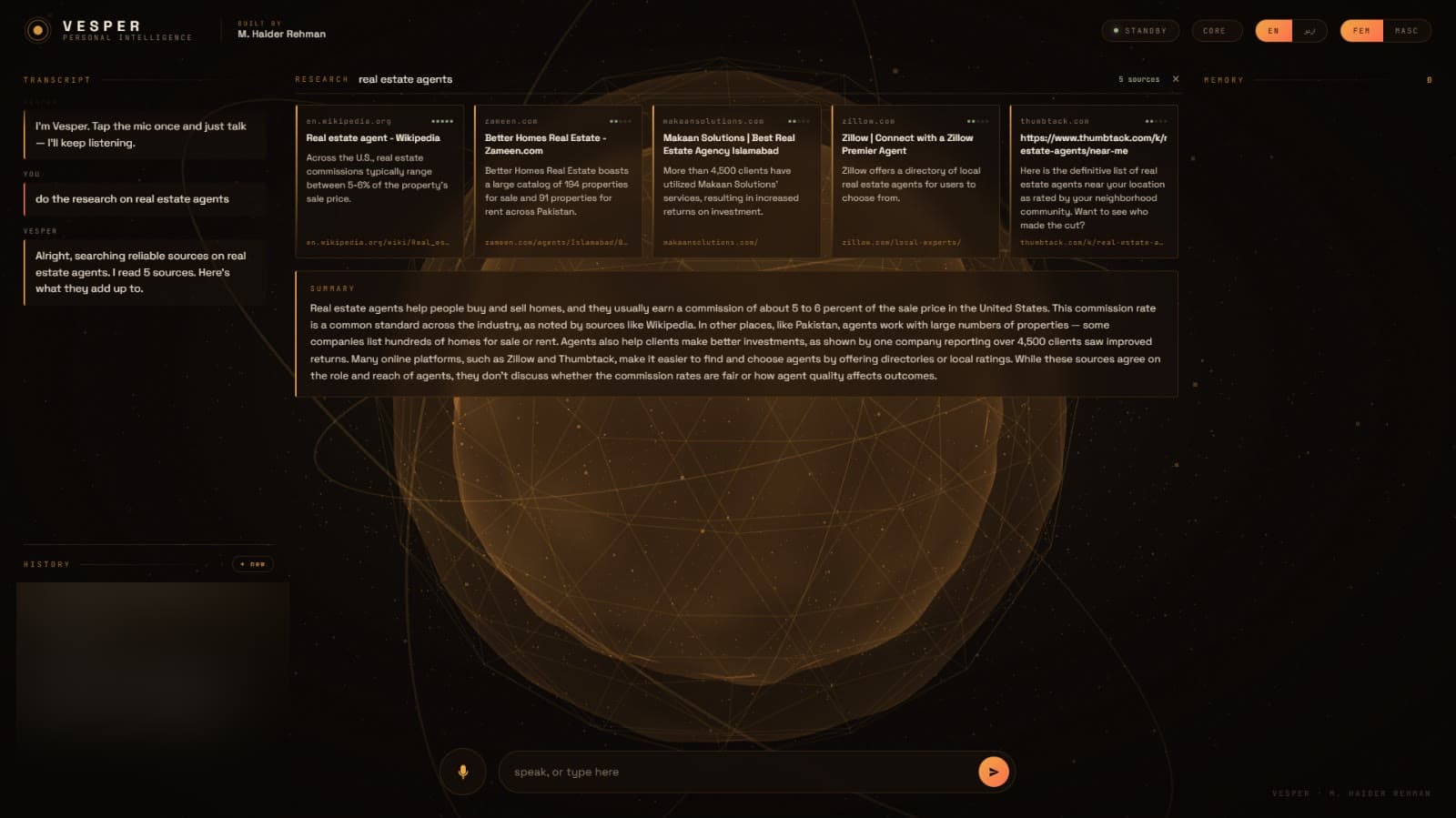
Vesper explores a more useful approach: a voice-first assistant that remembers relevant context, gathers information, and performs selected actions through controlled workflows.
Chat interfaces aren't always convenient for hands-free interaction.
Personal context is easily lost between conversations.
Research means searching many pages and assembling the findings yourself.
Messaging, email, and calendar actions involve repetitive manual steps.
Unrestricted AI control over real accounts is risky when a model misunderstands or invents details.
Vesper runs locally on your machine, while selected requests use external services when required.
Speak or type; Vesper responds in text and spoken audio.
Durable personal facts and history stored locally in SQLite.
Source cards and a synthesized, cited plain-English summary.
WhatsApp, Gmail, Calendar, and website actions — only after explicit confirmation.
On privacy: local memory and conversation history are stored in SQLite, but the application does send specific information to external services when using cloud AI, voice processing, Google integrations, or web research. Not all data stays on the machine under every circumstance.
Not every language is equally supported, and transcription is not error-free.
Vesper stores selected durable personal facts and conversation history in a local SQLite database — for example a stable preference or a professional detail.
The assistant identifies information that may be worth remembering.
A dedicated process evaluates potential durable facts.
Duplicate or low-value facts are filtered out.
Stored facts are provided as context for future responses.
You can inspect and delete remembered facts in the interface.
Memory is selective — not perfect recall of everything ever said.
Intelligent routing avoids spending cloud requests on simple greetings, uses the more capable model for selected responses, and keeps local inference for internal utilities — with the local model also serving as a fallback.
Local AI
Gemma 3 4B via Ollama
Cloud AI
NVIDIA Nemotron via OpenRouter
Request → routing → local or cloud model → response → voice playback & history. Model names are implementation details, not a guarantee that free access or availability continues. Not all inference is local; cloud usage is not unlimited.
The documented setup uses Wikipedia and DuckDuckGo without a search API key; Tavily support is present but optional and not configured here.
Pose a research question by voice or text.
Vesper searches available web sources.
Sources are ranked using configured trust signals.
Selected pages are fetched and cleaned into readable text.
Short findings are created for individual sources.
Findings become a plain-English summary.
Source cards and citations help you explore further.
Research quality depends on the available sources, the retrieval process, and the model’s output — it is not guaranteed to be accurate or exhaustive.
The AI helps write the wording, but deterministic application code manages recipient selection, draft review, and execution. Nothing is sent or scheduled without explicit confirmation.
You ask Vesper to message, email, or schedule something.
The AI helps interpret intent and draft wording.
Deterministic code resolves recipients and required details.
An editable draft or event is prepared.
You review and can correct or cancel.
Nothing is sent or created without explicit confirmation.
The application performs the action after approval.
Read operations and action operations carry different risk levels. The parsing logic was tested independently, while live account actions are exercised manually by the developer — not every real-account workflow has comprehensive automated end-to-end testing.
Input reaches the FastAPI backend, which routes intent, calls local or cloud AI plus the relevant tools, runs controlled action workflows, and streams the response back with voice and local persistence.
Local FastAPI backend
Runs on the user's machine; routes intent and coordinates models, tools, and persistence.
Gmail, Calendar, and WhatsApp are separate integration branches — not every request invokes every integration. SMS is not part of Vesper; email, research, and actions are distinct paths.
Python · FastAPI · Uvicorn
HTML/CSS/JS · Three.js orb · Web Audio + MediaRecorder · Server-Sent Events
NVIDIA Nemotron (OpenRouter) · Gemma 3 4B (Ollama) · OpenAI-compatible client
ElevenLabs Scribe (STT) · ElevenLabs TTS · browser fallback
Gmail API · Calendar API · WhatsApp bridge (whatsapp-web.js) · Wikipedia · DuckDuckGo · optional Tavily
Local SQLite · local config & auth tokens
Vesper's interface deliberately avoids the usual blue-and-purple AI look. Inside the product, a warm espresso palette takes over — while the UGConic site around it stays on brand.
External-service paths
This reduces specific risks from incorrect model-generated actions; it is not a complete security guarantee.
Developed initially for a hackathon concept and continued as a personal project. These are real engineering constraints and areas for future improvement.
No public self-service signup, multi-tenant SaaS, paying customers, uptime guarantees, or security certifications are claimed — and no perfect memory, transcription, or research accuracy.
3 October 2026 — hackathon concept
Development began for a personal-AI hackathon concept.
8 October 2026 — continued independently
Work continued so real personal integrations could be explored without a public-demo requirement, evolving around practical constraints like regional account access and limited free cloud usage.
The resulting architecture combines local inference (Ollama), cloud inference (OpenRouter), voice (ElevenLabs), official Google APIs for Gmail and Calendar, a separate Node.js WhatsApp bridge, and local persistence with explicit confirmation for real-world actions. Claude Code was used as an AI coding assistant during development; it is not part of the runtime product.
Engages inbound leads, qualifies prospects, books appointments, and automates follow-ups through a configurable chat widget and dashboard.
Turns fresh AI news into personalized LinkedIn drafts and branded visuals, ready for human-reviewed publishing.
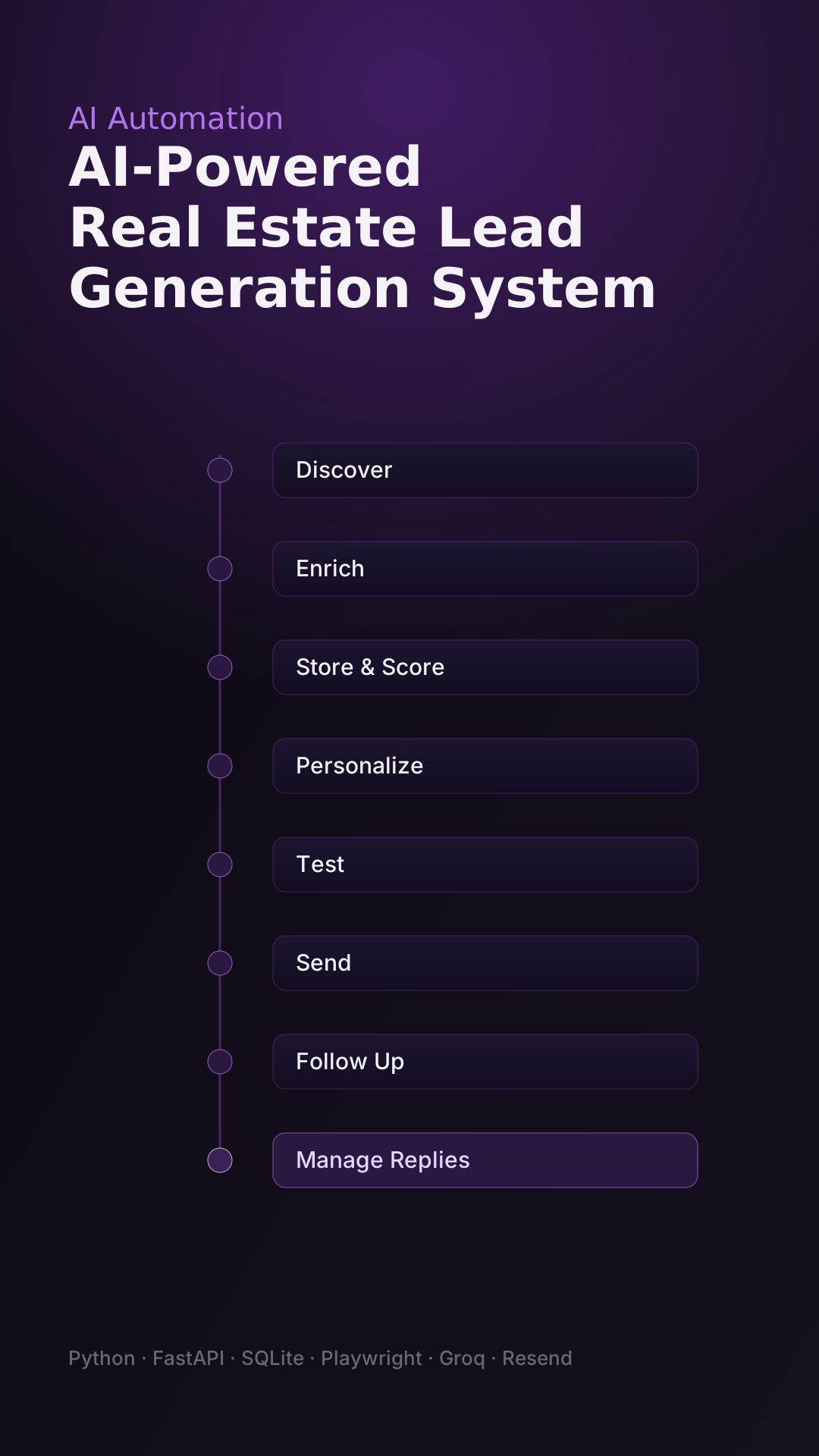
Discovers prospects, drafts personalized AI emails, and runs campaigns from one local dashboard.
UGConic explores and builds practical AI products that connect natural interaction, useful context, and carefully controlled automation.