
AI Automationconcept2025
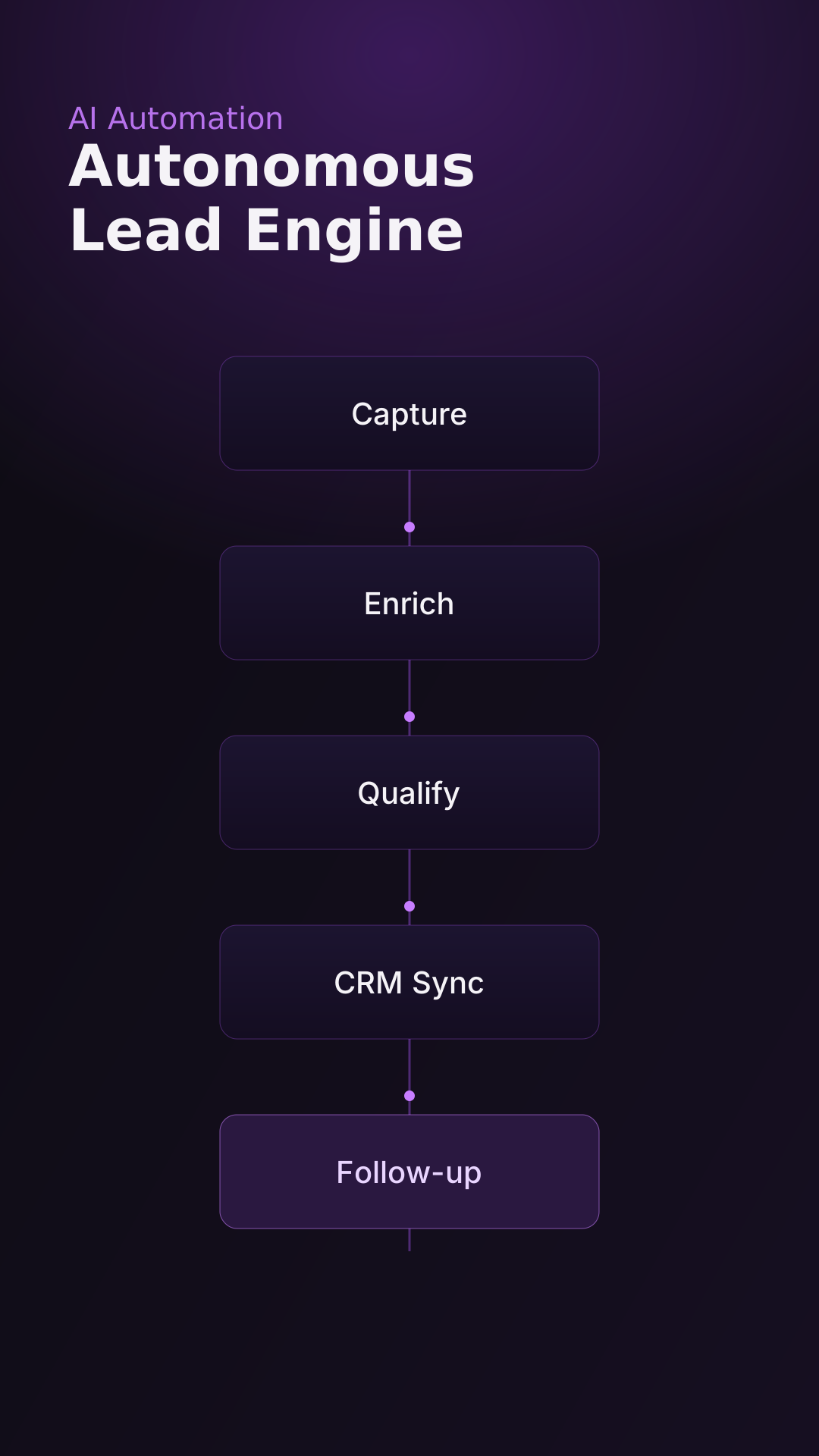
Autonomous Lead Engine
A concept for an end-to-end lead capture, enrichment, and follow-up system.
View project
A locally operated automation platform that brings real estate lead discovery, contact enrichment, AI-assisted email personalization, campaign management, and reply handling into one workflow.
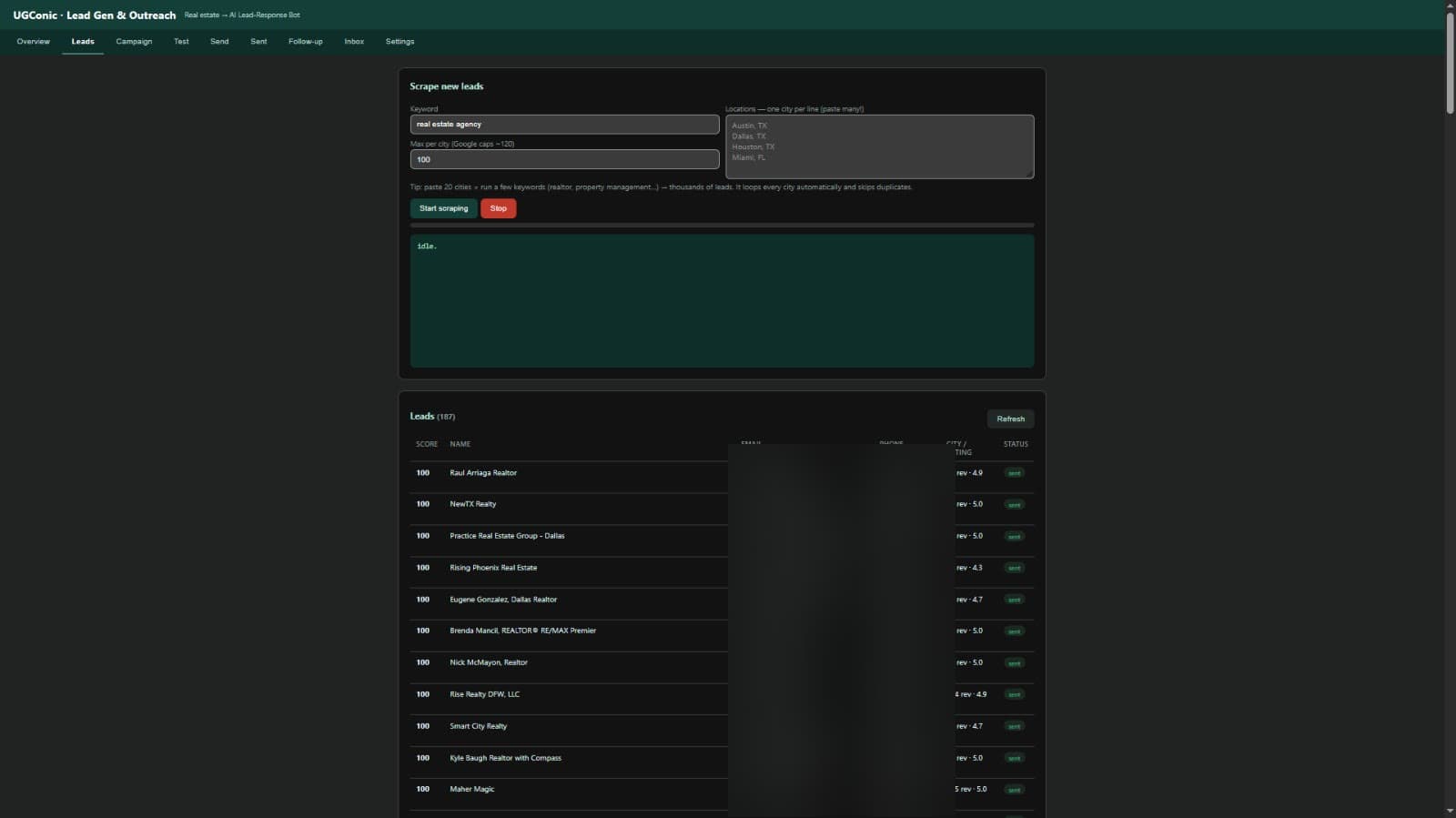
Built by UGConic as an internal automation system to generate sales conversations for an AI Lead-Response Bot aimed at real estate agents.
Automates prospecting and outbound outreach end to end — from discovery to replies.
Operated internally by UGConic to run targeted outreach campaigns.
Discovery, enrichment, storage, personalization, testing, sending, and follow-up.
A single local control center replaces juggling separate scraping, writing, and sending tools.
A locally operated web dashboard built with Python and FastAPI, backed by SQLite, using Playwright for discovery, Groq for drafting, Resend for delivery, and Gmail for replies.
Real estate cold outreach spreads the same tasks across many tools and hours of manual effort.
Finding relevant real estate businesses, city by city.
Collecting and organizing business contact details.
Identifying contact email addresses.
Researching each prospect before reaching out.
Writing personalized outreach messages.
Testing emails before launching a campaign.
Managing sending schedules and follow-ups.
Tracking prospects and responses across tools.
Every stage runs from one local dashboard. Only modules that exist in the actual implementation are shown.
Screenshots are from the actual dashboard. Prospect contact details are blurred to protect private information.
A single pass turns a keyword and a list of cities into tested, personalized outreach — and keeps going.
Search real estate businesses by city and keyword with browser automation.
Visit business sites for publicly provided contact details.
Save to SQLite, deduplicate, and track lead quality.
Generate prospect-specific email drafts with Groq.
Check email formatting and attachments before a campaign.
Deliver via Resend with configurable limits and delays.
Bump eligible non-responders under configurable rules.
Prospect replies are received in Gmail.
A local FastAPI core coordinates discovery, storage, drafting, delivery, and replies.
Desktop launcher → local dashboard
A desktop shortcut opens the dashboard that controls the whole system.
Prospect replies land in Gmail; the system does not expose credentials, inbox contents, or API keys.
Loop through many cities and keywords automatically.
Pull publicly provided contact details from business sites.
Deduplicate records so the same business isn't contacted twice.
Track lead quality to prioritize the best prospects first.
Draft prospect-specific emails with Groq.
Verify formatting and attachments before sending.
Send with configurable daily limits and delays.
Bump eligible non-responders under configurable rules.
Run every stage from one local control center.
Leads and campaign state stored locally in SQLite.
A desktop shortcut opens the local dashboard.
The system should be operated in accordance with applicable privacy, electronic marketing, email provider, and platform requirements. Public availability of contact information is not automatic permission to send marketing email, and sending volume alone does not guarantee inbox placement or prevent spam classification.
This is a working internal system. Rather than performance claims, the outcome is a completed, unified workflow:
No client testimonials, adoption figures, booked-call counts, cost savings, or conversion rates are claimed.
A concept for an end-to-end lead capture, enrichment, and follow-up system.
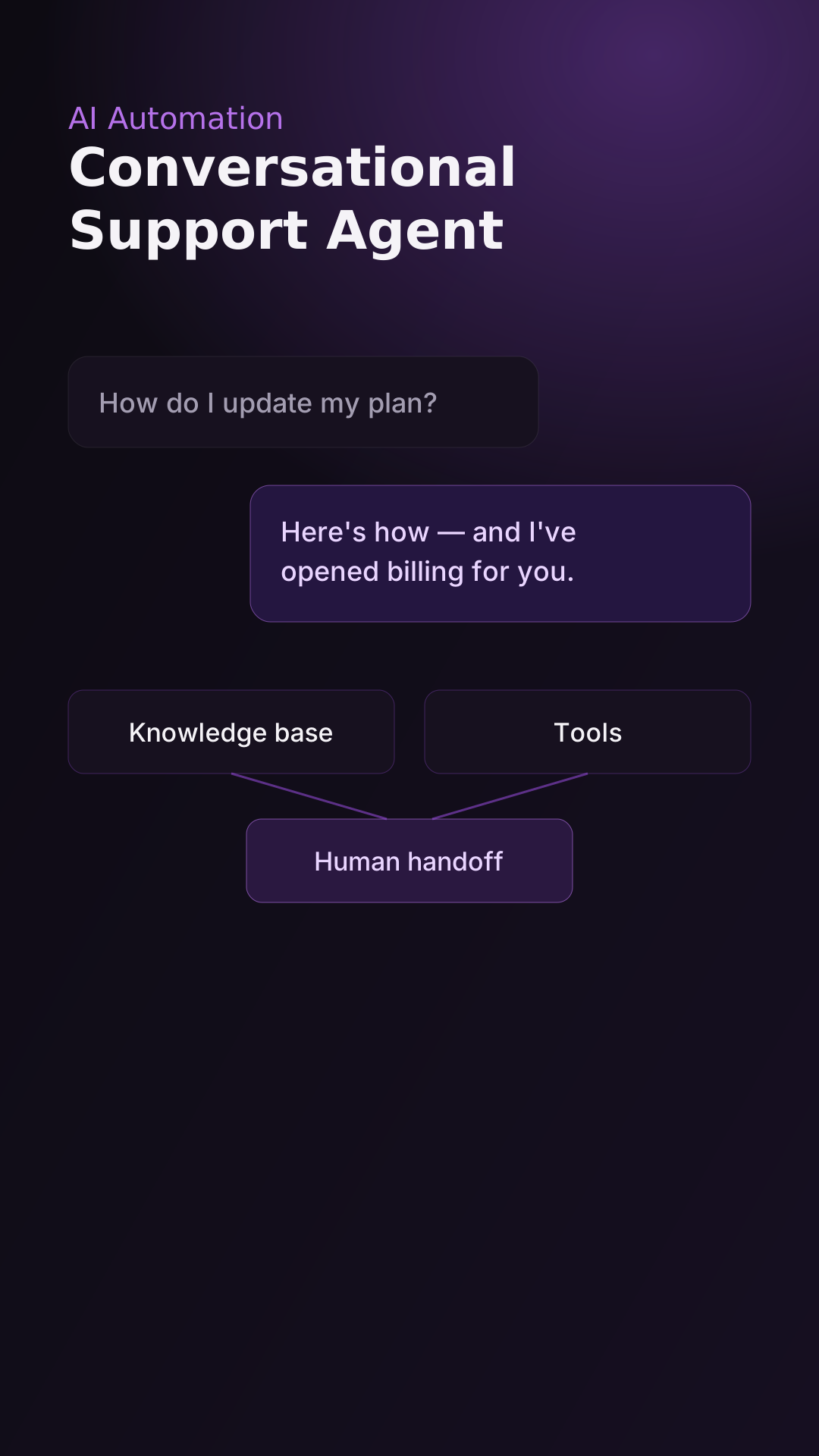
A concept for an AI support agent that resolves and escalates intelligently.
Let's build an automation system tailored to your business, tools, and sales process.